
PTC Releases Creo Elements/Direct v19.0

Another announcement made at this year’s PTC Live Global event was the release of PTC Creo Elements/Direct 19.0, direct modeling software that now includes productivity enhancements in modeling, drafting, collaboration and data management. As mentioned in the Creo 3.0 blog, the company also unveiled new technology it’s calling Unite technology that better supports multi-CAD environments.
Collaboration seems to remain a tricky task for distributed design teams juggling format in multiple CAD file formats. The Unite technology will enable users to open native CAD files created in other popular CAD formats, and then save, edit and share that data with others. The response from users attending the event was unanimously favorable.
“The new import capabilities in PTC Creo Elements/Direct 19.0, formerly known as CoCreate, will allow us to collaborate more effectively with companies using different CAD tools,” said Nobuaki Sugimoto, mechanical designer, Icom, Inc.
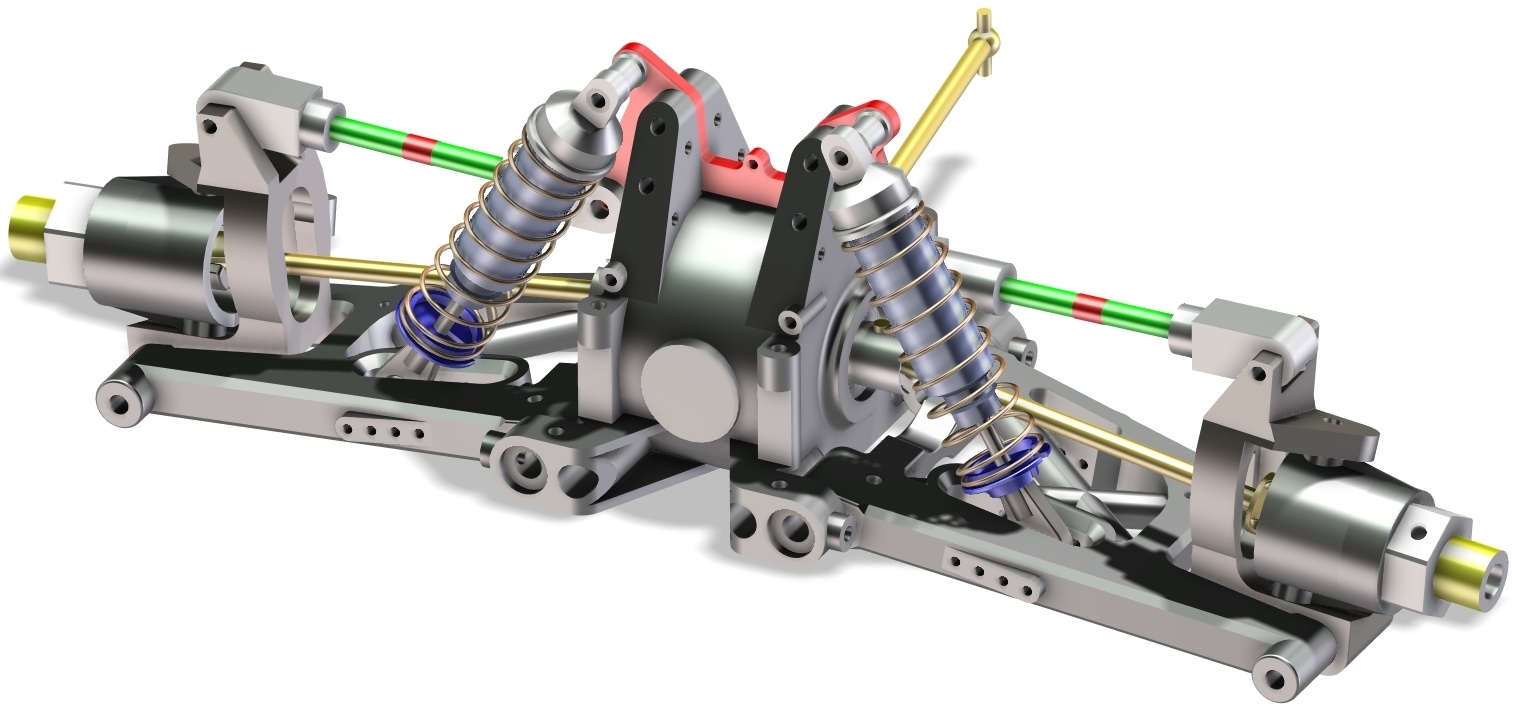
PTC Creo Elements/Direct 19 now offers support for multi-CAD environments, via Unite technology
Enhancements to Creo Elements/Direct include:
* Support for Multi-CAD Collaboration. Support for direct import of SOLIDWORKS and Autodesk Inventor data enables teams to quickly and easily incorporate design information without the need for additional software. Upward compatibility with PTC Creo is also significantly enhanced.
* Optimized Design Workflows. Higher productivity is enabled through optimized design workflows for a variety of regularly used features, and the introduction of template-based drawing creation significantly reduces redundant effort by enabling the re-use of existing drawings as a starting point.
* New Concept Design Capabilities. Concept design is made easier with the introduction of new 2D and 3D tools including support for the use of 2D images in concept development, a palette of pre-defined 2D shapes and new curve creation commands.
* New Sheet Metal Capabilities. New capabilities in the sheet metal module allow the creation of fully valid, un-foldable sheet metal parts that represent a transition between two parallel profiles.
* Scalable Data Management. Through core infrastructural improvements, PTC Creo Elements/Direct Model Manager delivers greater scalability for large deployments.

Comments

Popular posts from this blog

Some basics and how it works in conventional CAD

1. Reverse engineer from scanned photo tracings. Sometimes, I wanted to reverse engineer a part where I didn’t need precise measurements for most of its geometry. Remodeling from a photo, along with calipers when I needed more resolution, has proven to be a very efficient approach. One particularly compelling trick is to put flanges and other flat interfaces directly on the glass of the office scanner. Sketching over those images easily achieves similar resolution to most 3D printers. Years ago, I modeled most of the castings on this ‘78 Beetle Transmission in SpaceClaim by tracing carefully taken photographs and scans of its flanges. 2. 3D sketch on top of images. The next step is to try actual 3D sketching on top of images. Below are some examples I did by 3D sketching on MC Escher lithographs using a technique substantially similar to the basic approach used in the video. 3D models from photos  Now let’s take a look on how to to accomplish this basic tric...

AUTO CAD shortcuts

Boost your productivity in AutoCAD! Take advantage of the150+ AutoCAD Keyboard Shortcuts showcased below. For a printable version of all shortcuts and a template for keyboard stickers,  click here . Are you on a Mac? Check out the  AutoCAD for Mac Shortcuts Guide Jump to a Section One Key Shortcuts  |  Toggles and Screen Management   A  |  B  |  C  |  D  |  E  |  F  |  G  |  H  |  I  |  J  |  K  |  L  |  M   N  |  O  |  P  |  Q  |  R  |  S  |  T  |  U  |  V  |  W  |  X  |  Y  |  Z One Key Shortcuts Let’s start with the basics—shortcuts involving just one key.  Click here  or on the graphic below to view it larger. Toggles and Screen Management Toggle General Features Ctrl+d Toggle coord...

AUTO CAD Basics

Learning Autodesk AutoCAD 2014 In this AutoCAD 2014 training course from expert author Brian Benton, you will learn the  basics of using the tools and techniques available to you in this CAD software program. Learning Autodesk AutoCAD LT 2014 In this AutoCAD LT 2014 training course from Brian Benton, you will learn how to create 2D drawings using this lighter version of AutoCAD developed by Autodesk. Learning Autodesk AutoCAD 2013 In these 18 videos, Brian Benton introduces you to Autodesk AutoCAD 2013. Beginners will learn from scratch and experienced users will learn all the new features. Learning AutoCAD 2012 In this training video, Brian Benton introduces you to AutoCAD 2012 and takes you through this industry standard CAD program, and teaches you to use it effectively, whether you are a beginner, or long-time user of AutoCAD. 1 AutoCAD 2011: Fundamentals A suite of video tutorials designed to introduce the new features of AutoCAD 20...